

Introduction
Every material includes an appearance asset, seen in its Appearance tab, which is a collection of settings controlling how the material looks in realistic views and renderings. Revit provides 19 appearance asset types, ranging from flexible general-purpose types like Generic, Opaque and Transparent to specialized types intended for specific materials such as Concrete and Glazing. The asset type determines which properties you can control, such as base color, bump and relief, transparency, and many others.Appearance asset types in the Library
The 19 appearance asset types are listed in the materials section of the library. Clicking any of these shows materials in your library that use the relevant type.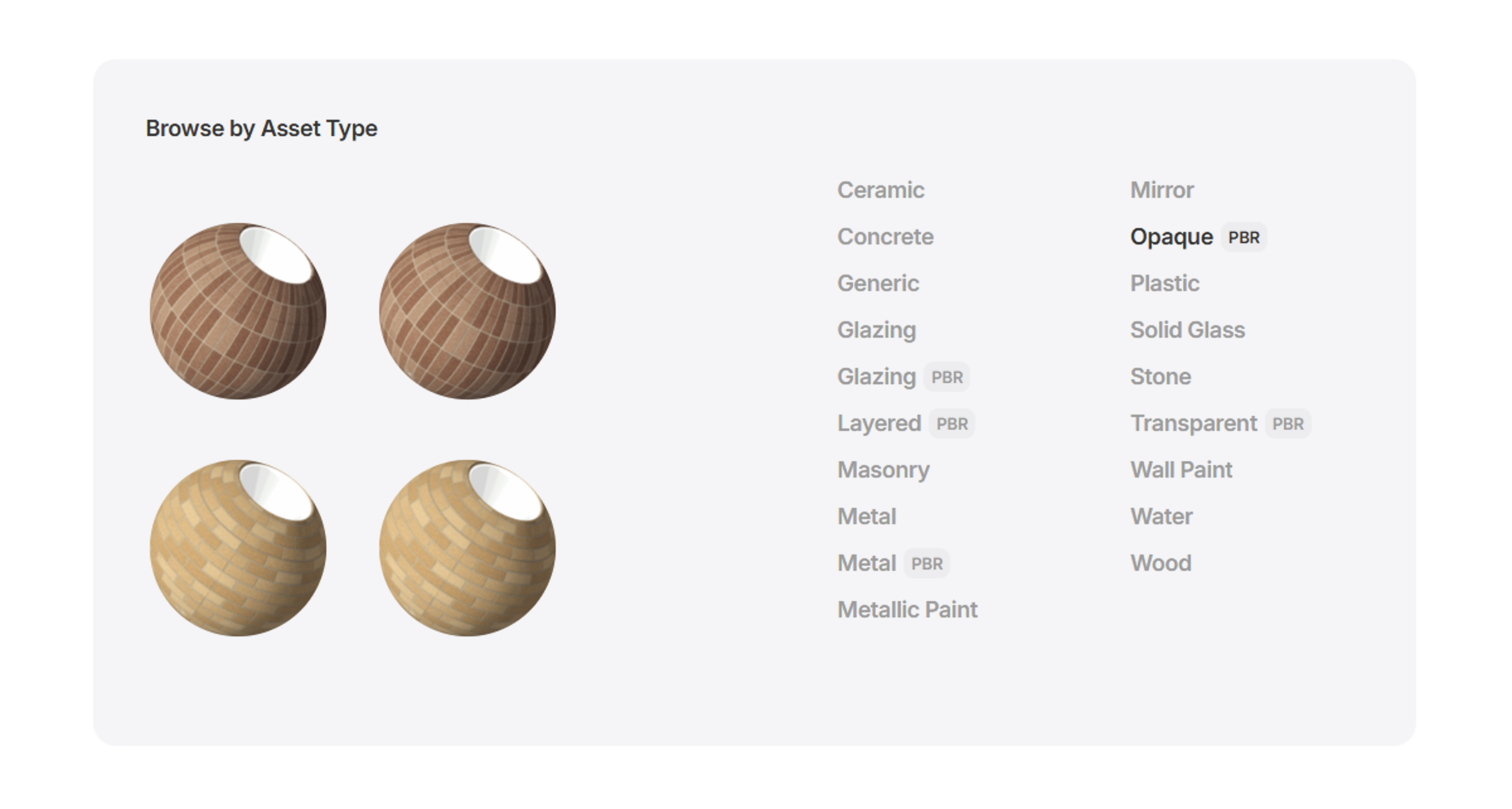
Learn more
Materials Overview
Understand how to build, organize, and search within your library of Revit materials.
Material Item Page
Learn about the rich information provided for each material and how to use it to inform selection and comparison.
Managing Materials
Learn how to manage materials in your library, including bulk actions, editing material properties, and organizing your content.