

When to use this
- You need to reinstall on your current device.
- You want to install on another device.
- You didn’t receive an installation link when you were first invited.
Normally, you’ll receive an installation link when you’re first invited. This method is for reinstalling or adding on additional devices.
What you’ll need
- Access to the website (app.kinship.io).
- An account (you must be signed in).
Note: If you are part of a managed environment, you may need to ask your administrator to install it for you.
Steps
-
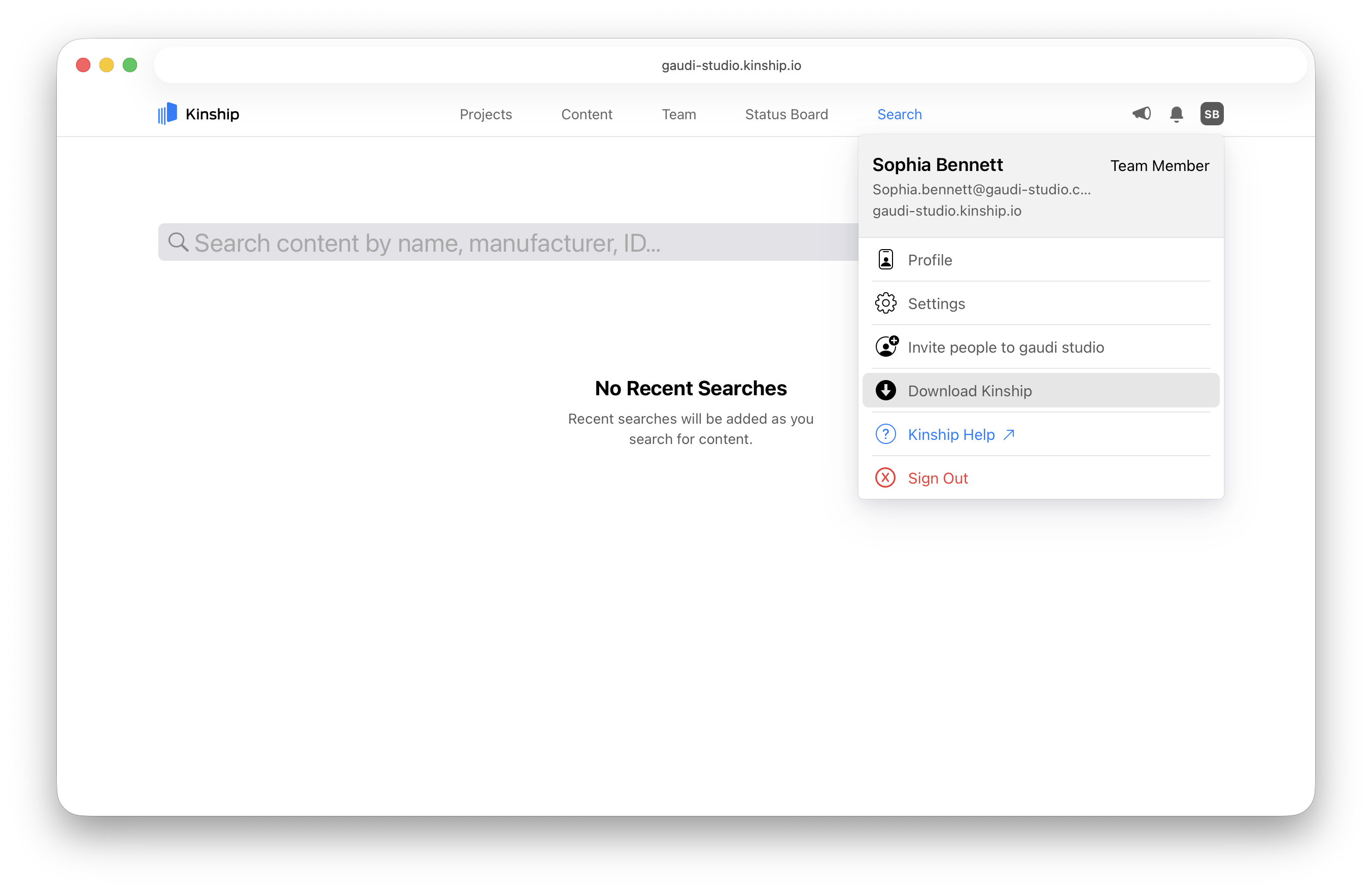
Open your account menu.
Click on your account icon in the top-right corner of any page. This will display a dropdown menu. -
Click the Download Kinship button.
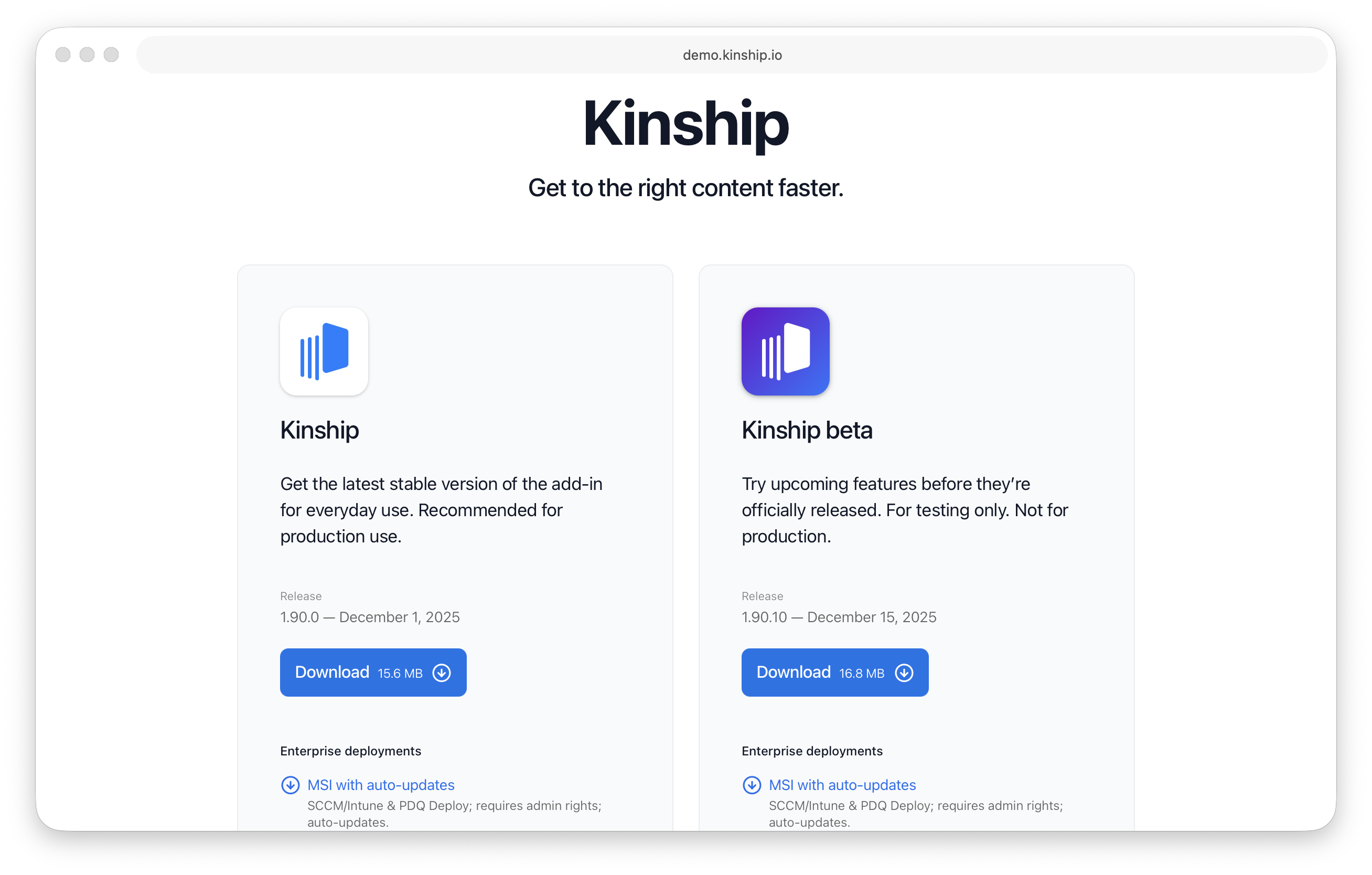
This will take you to a page with installation instructions and a download link. -
Download and install.
Click the Download link and follow the installation steps.
Note: Don’t forget to connect the Kinship Revit add-in to your account, see Connect the Kinship Revit add-in to your account.
What’s next
- Connect the Kinship Revit add-in to your account to link the desktop add-in to your team.
- Populate your Library with your content.
- Add content to Collections.
- Start using Search to place approved content directly in Revit.