How to create a new team
Let’s get your team up and running smoothly.1. Open the invitation link
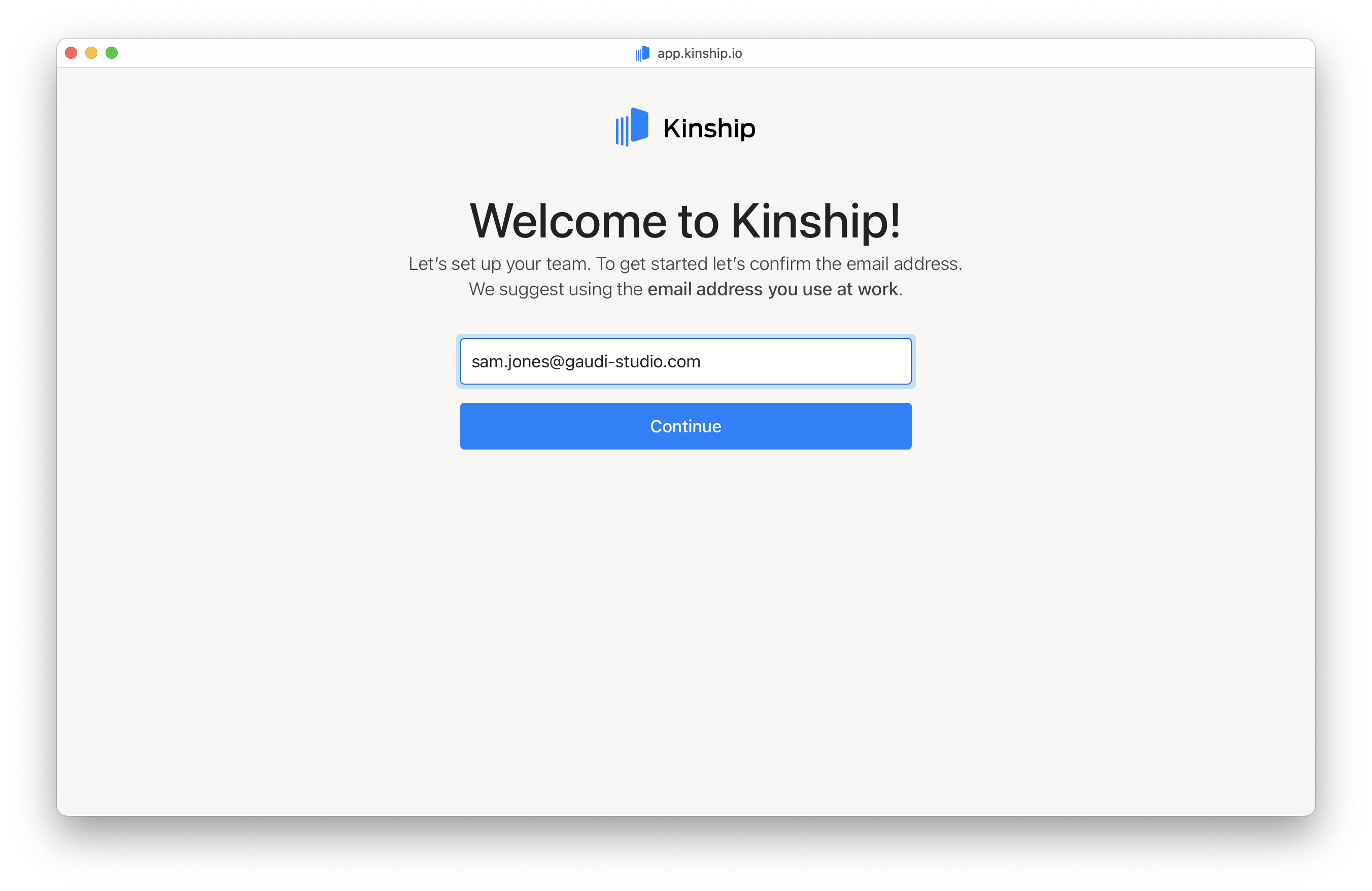
Click the invitation link from your email to begin.2. Confirm your email address
Confirm your work email address.- Enter your email address.
- Click Continue.
3. Enter the magic code
Enter the verification code sent to your email.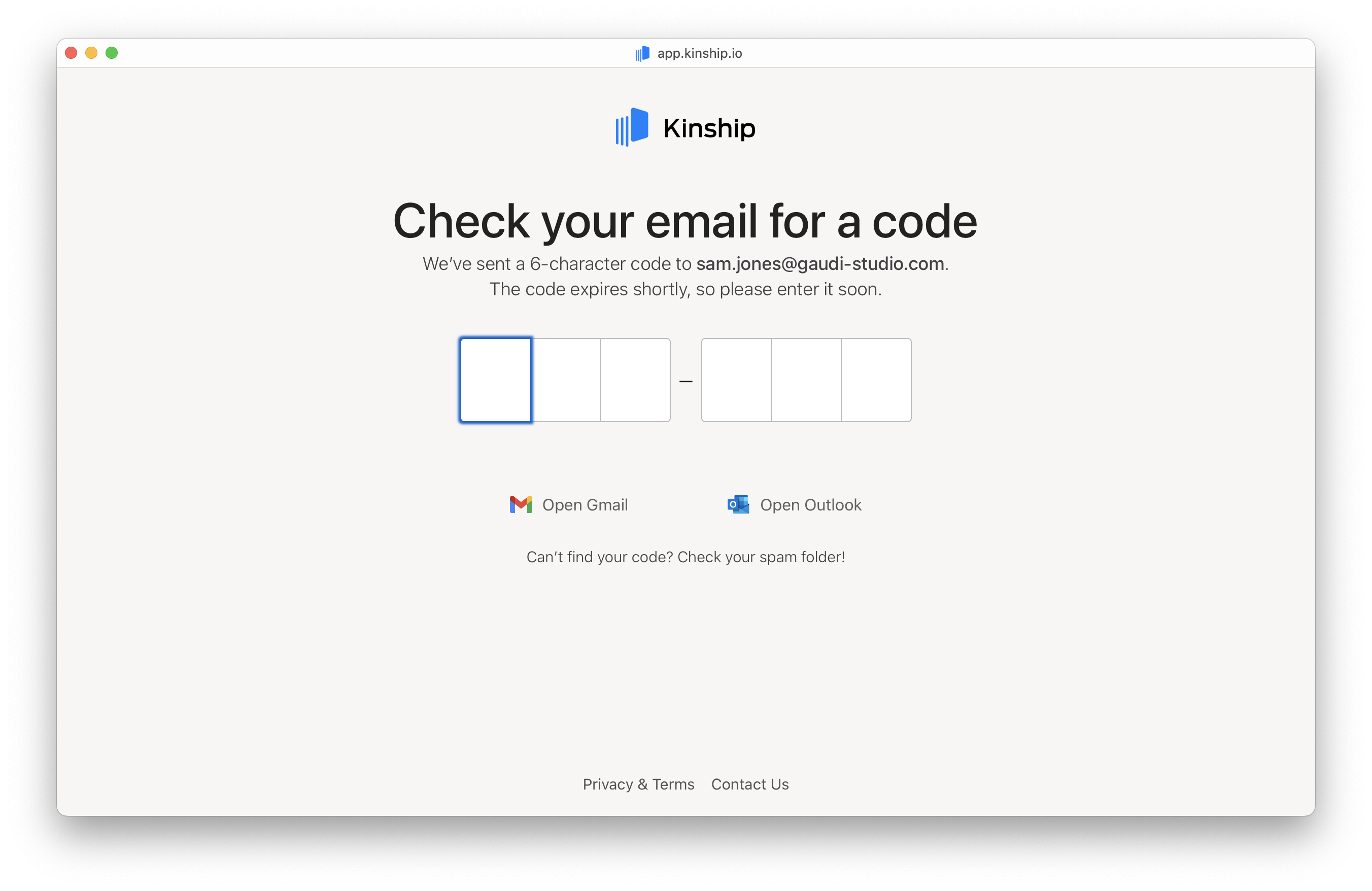
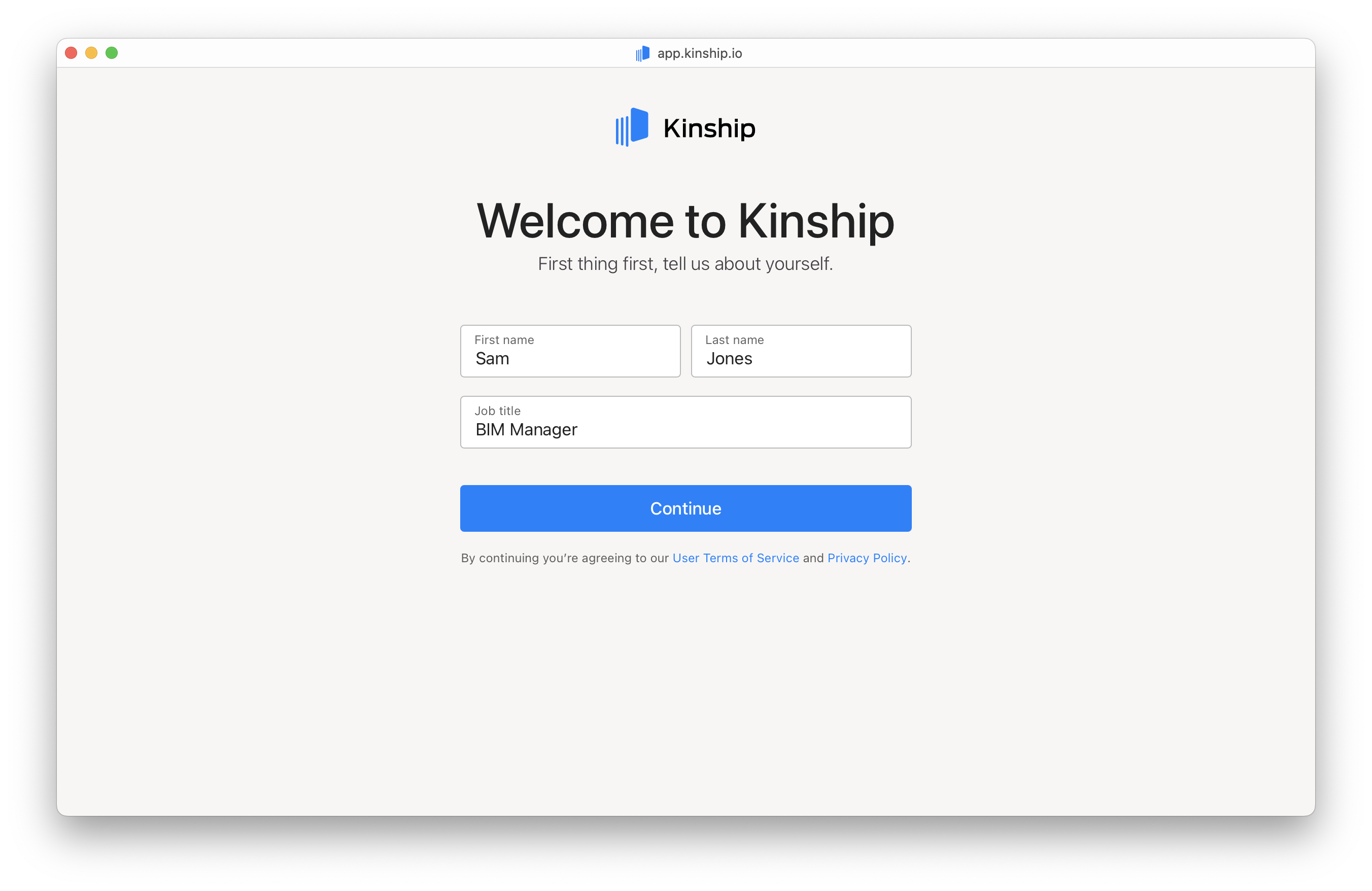
4. Provide your personal details
- Enter your First name, Last name, and Job title.
- Click Continue.
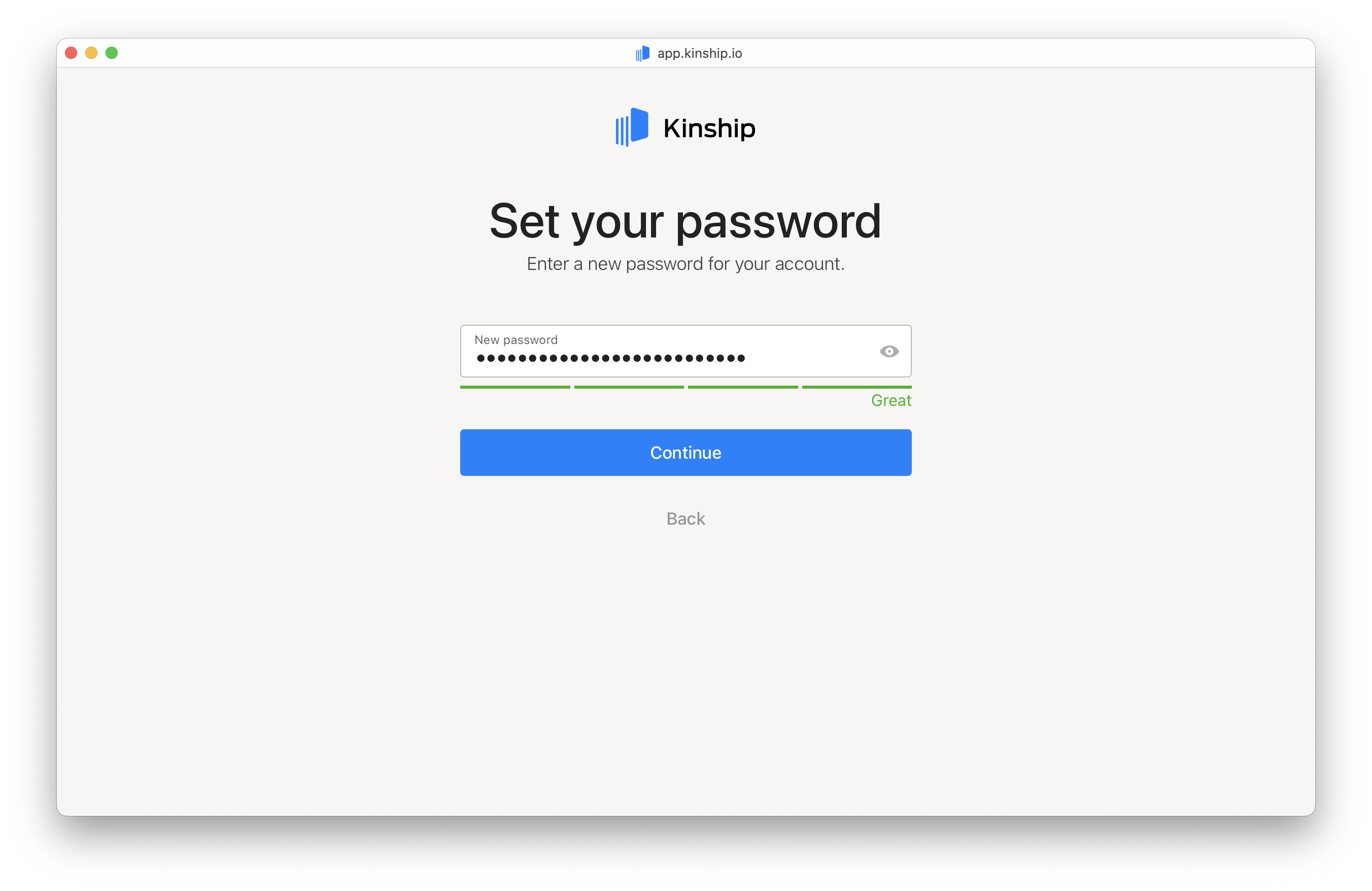
5. Choose your password
Set a secure password to protect your account.- Enter your password.
- Click Continue.
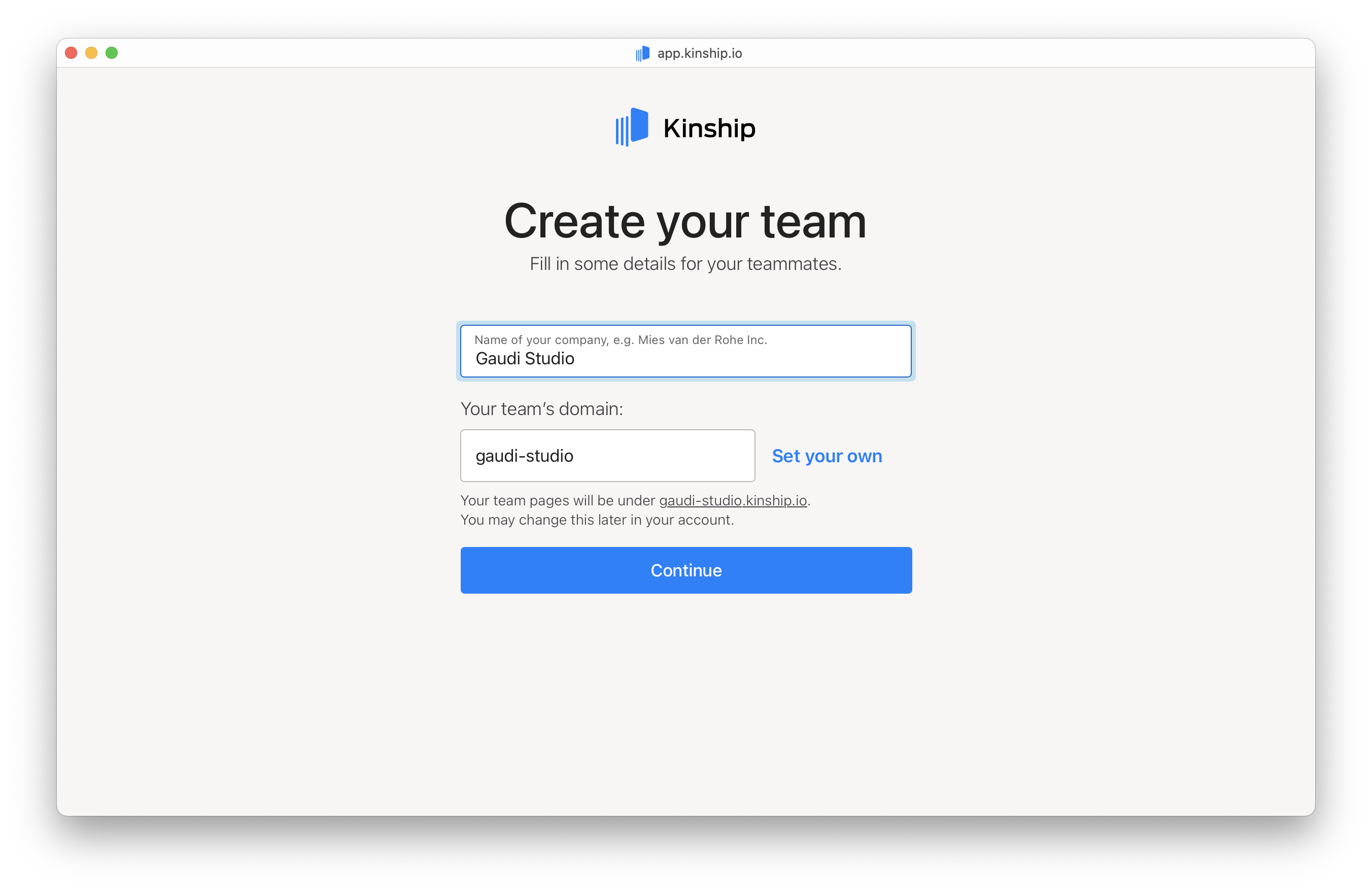
6. Set up your team’s domain
Enter your company’s name to create your team’s domain.- If your company is “Gaudi Studio,” your domain will default to
gaudi‑studio.kinship.io.
- Want something custom? Click Set your own, type in your preferred domain, and check availability.
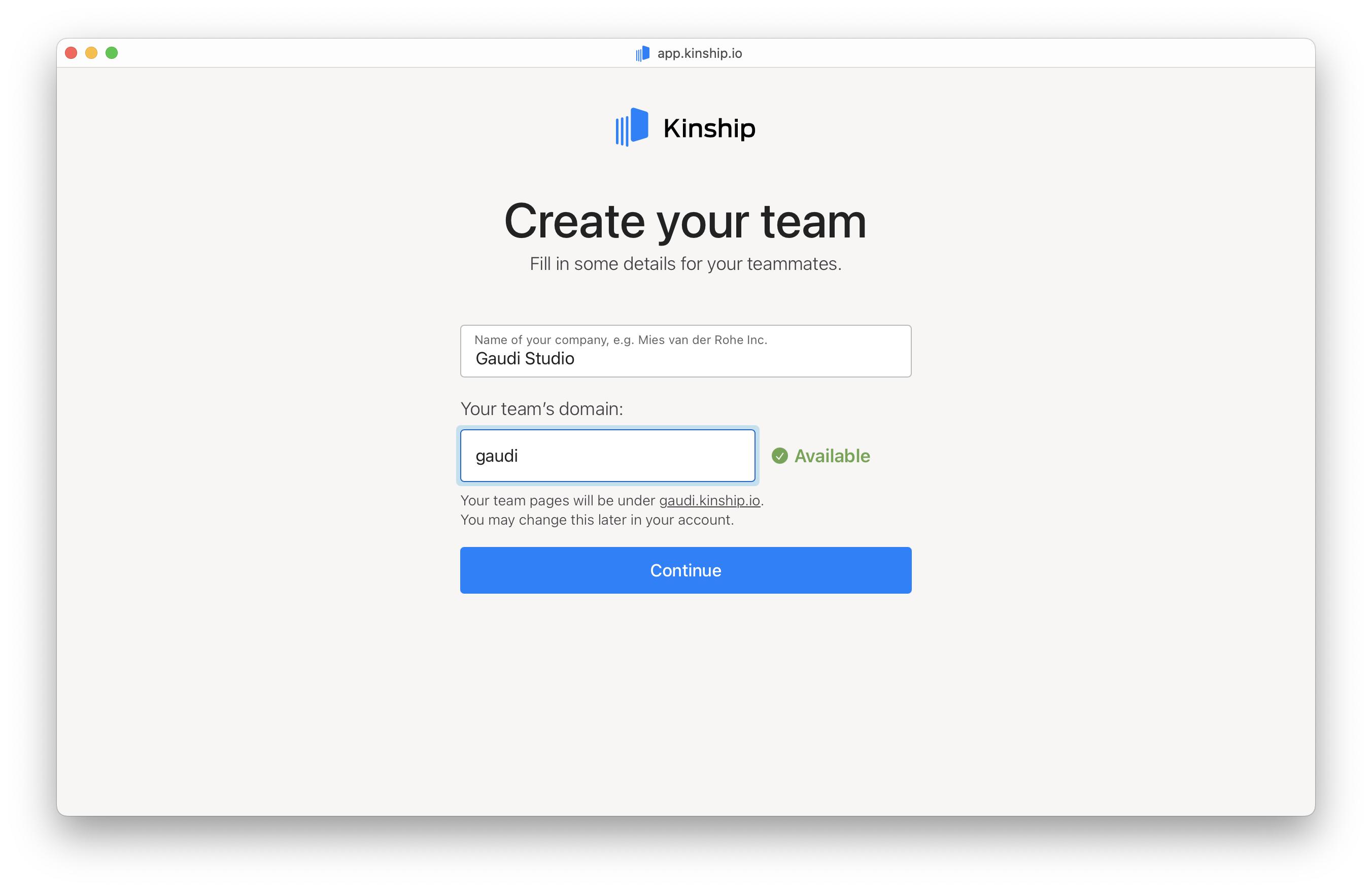
- Click Continue when ready.
7. Invite your teammates
Invite your colleagues to join your team:- Type individual email addresses into the fields.
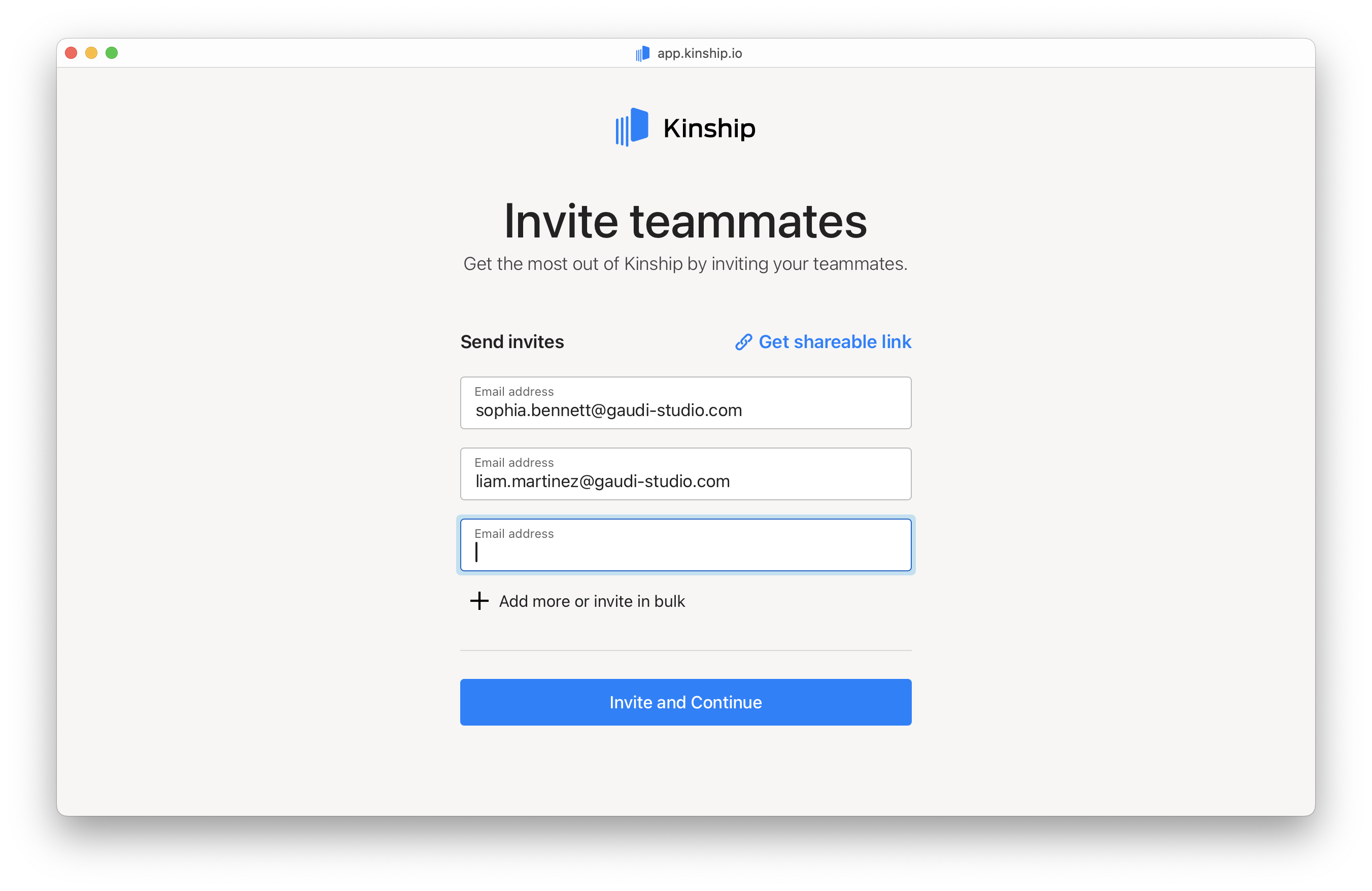
- Or paste multiple email addresses separated by commas or new lines to invite in bulk.
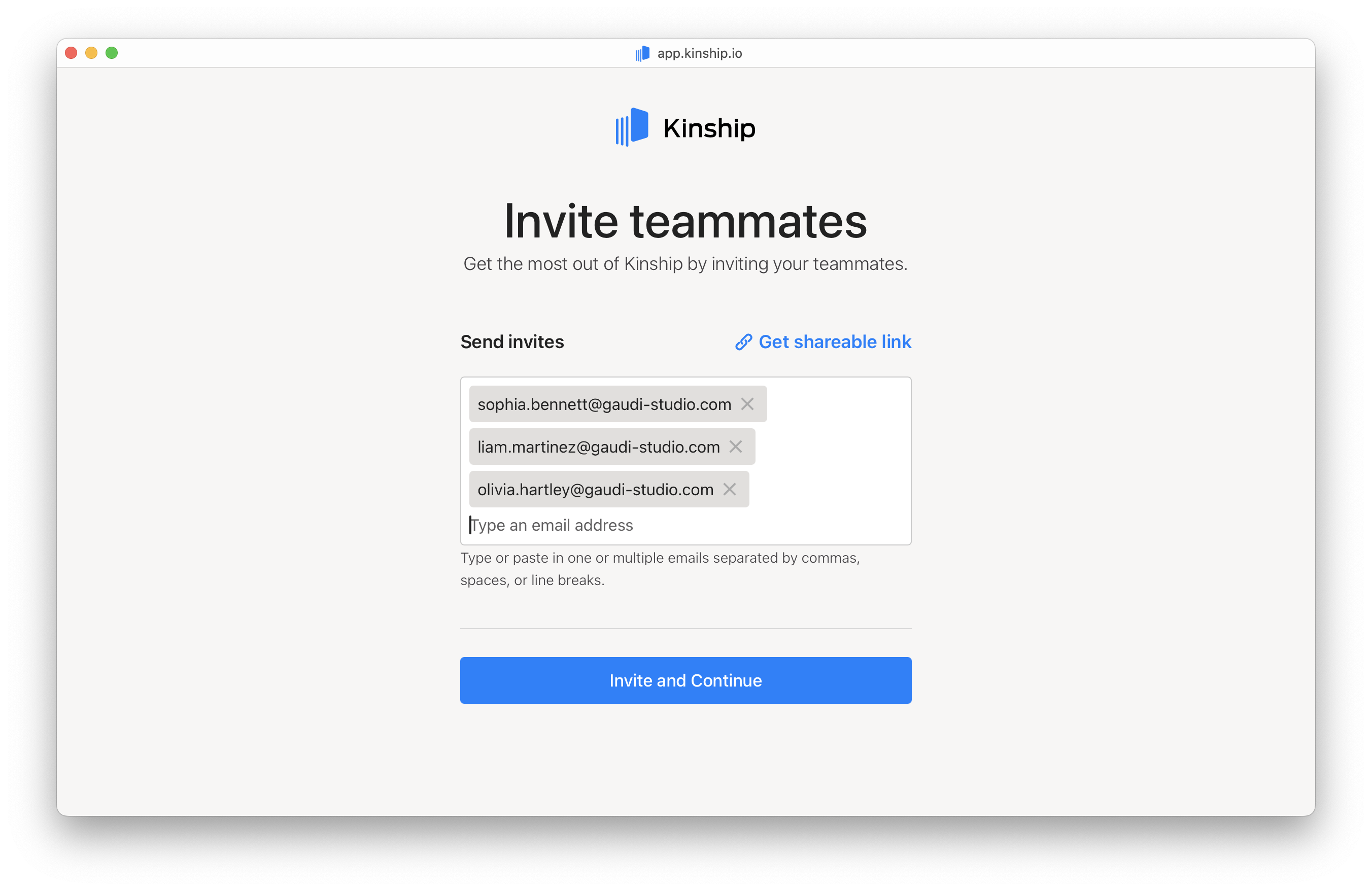
- You can also generate a shareable invitation link.
- Click Continue once you’ve invited your teammates.
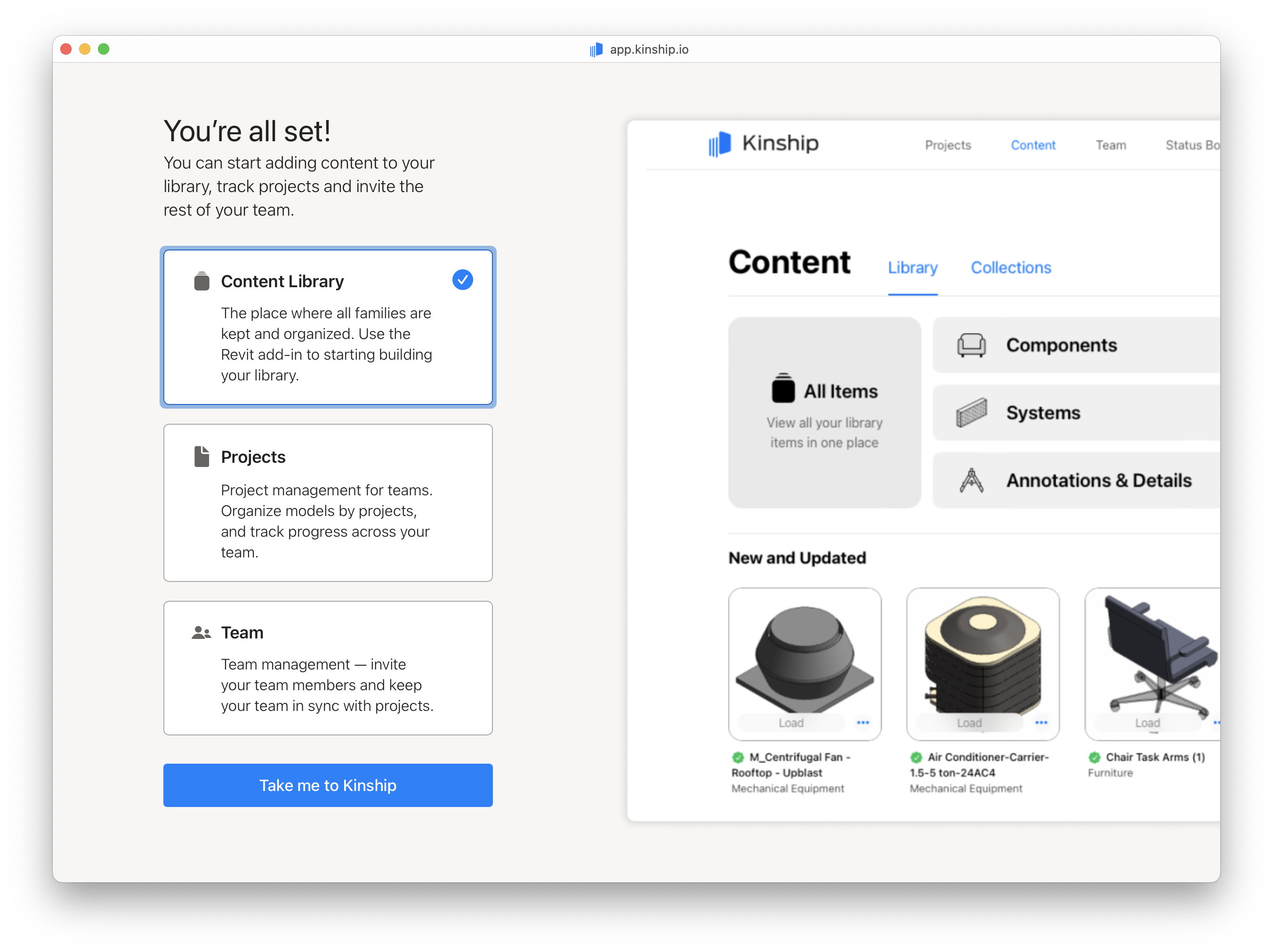
You’re all set!
Click Take me to Kinship to sign in and start collaborating with your team right away.