> ## Documentation Index
> Fetch the complete documentation index at: https://docs.kinship.io/llms.txt
> Use this file to discover all available pages before exploring further.
# How to Create a New Team in Kinship
> Learn how to quickly create and set up a new team in Kinship. This guide covers verifying your email, configuring your team's domain, inviting teammates, and completing your initial setup so you can start collaborating immediately.
## How to create a new team
Let’s get your team up and running smoothly.
### 1. Open the invitation link
Click the invitation link from your email to begin.
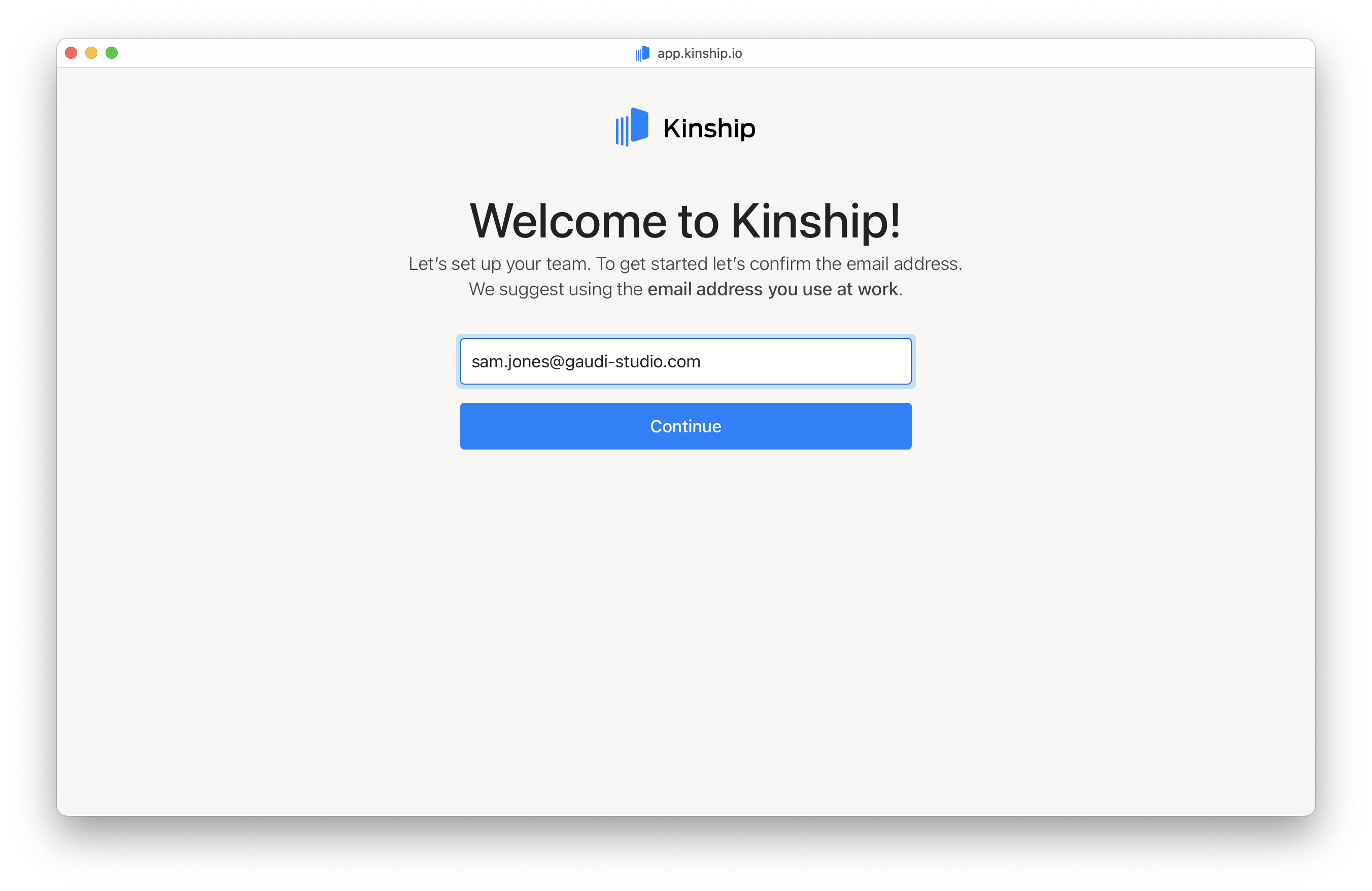
### 2. Confirm your email address
Confirm your work email address.
* Enter your email address.
* Click **Continue**.
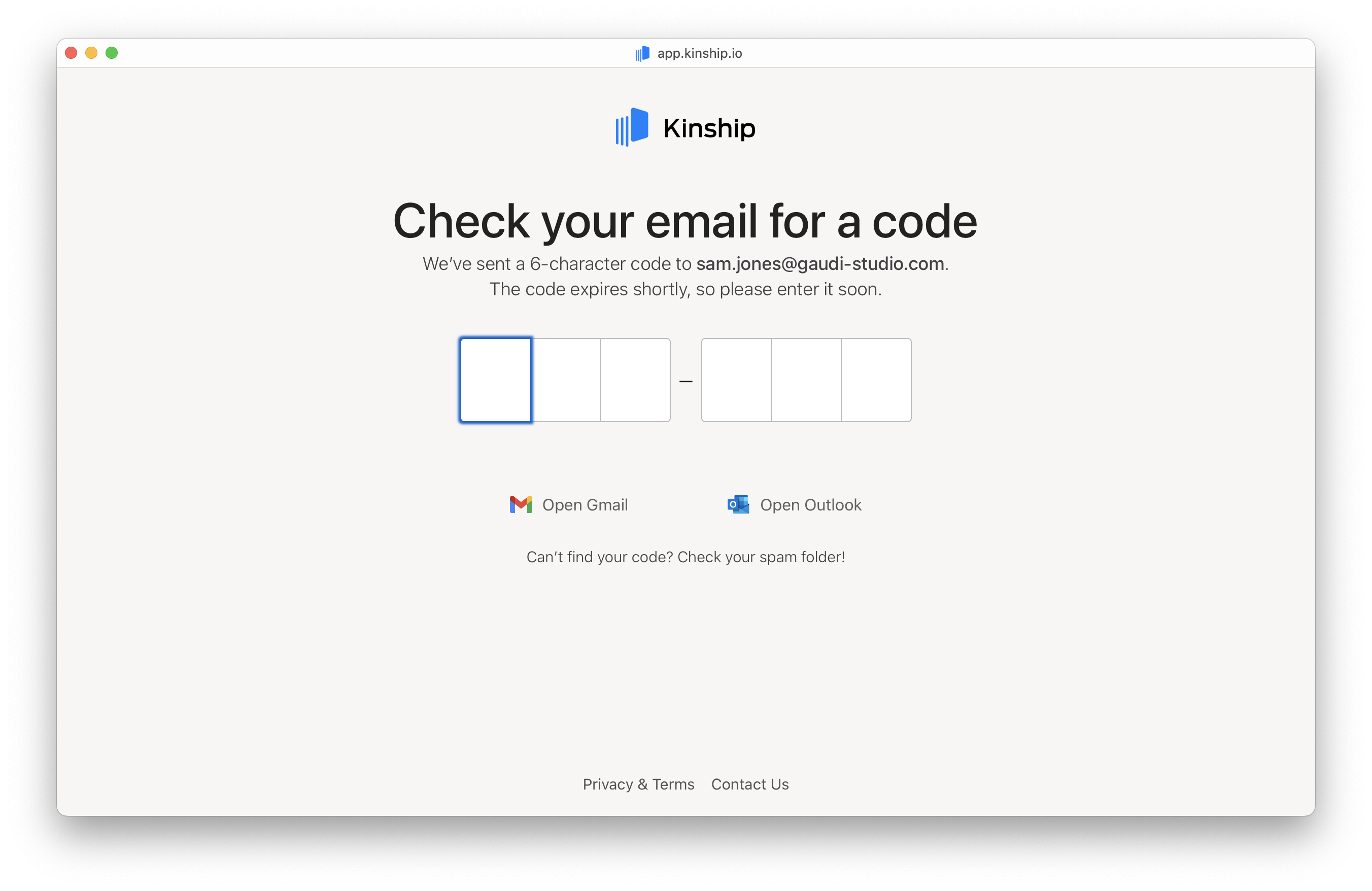
 ### 3. Enter the magic code
Enter the verification code sent to your email.
### 3. Enter the magic code
Enter the verification code sent to your email.
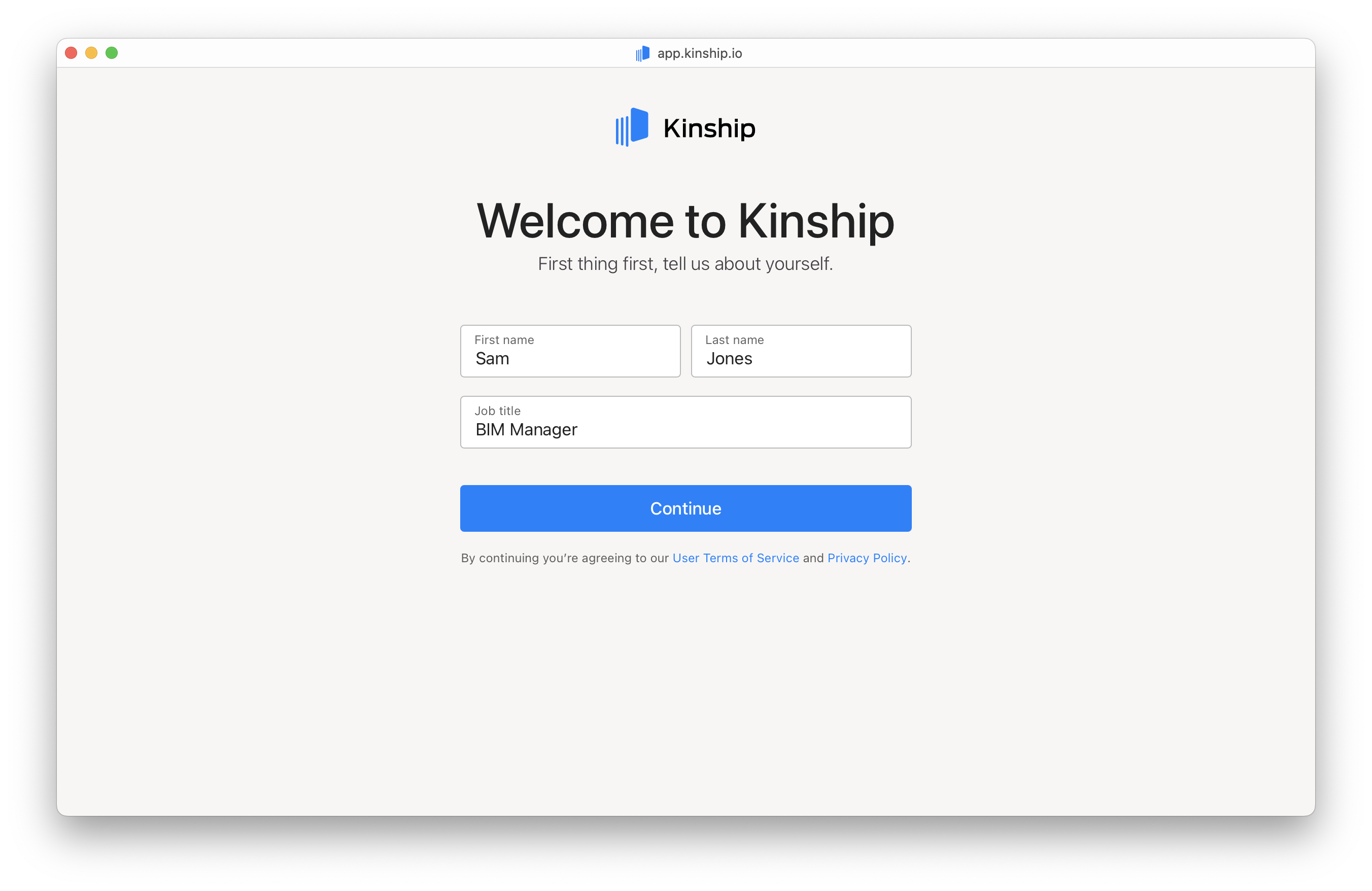
 ### 4. Provide your personal details
* Enter your **First name**, **Last name**, and **Job title**.
* Click **Continue**.
### 4. Provide your personal details
* Enter your **First name**, **Last name**, and **Job title**.
* Click **Continue**.
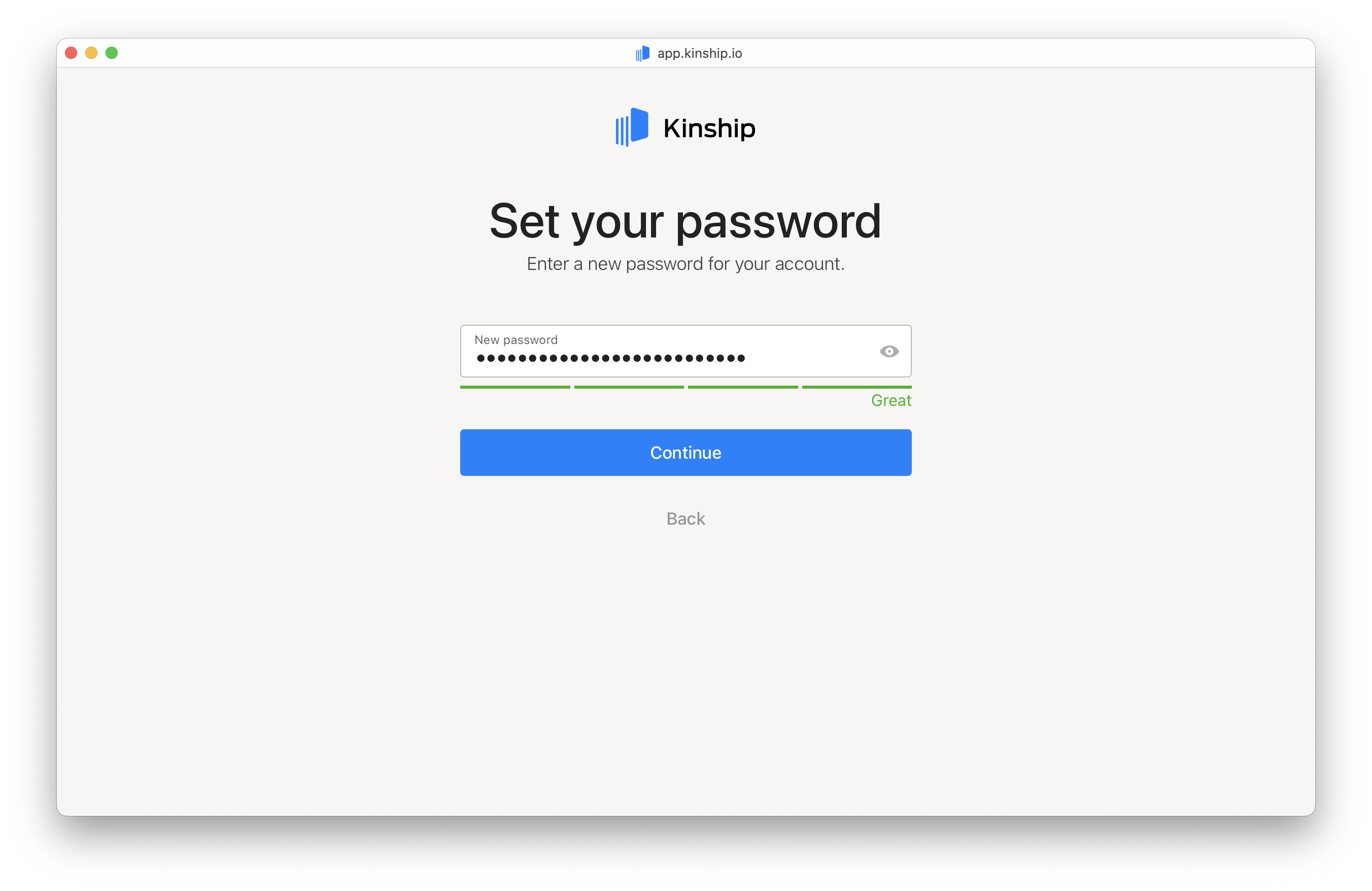
 ### 5. Choose your password
Set a secure password to protect your account.
* Enter your password.
* Click **Continue**.
### 5. Choose your password
Set a secure password to protect your account.
* Enter your password.
* Click **Continue**.
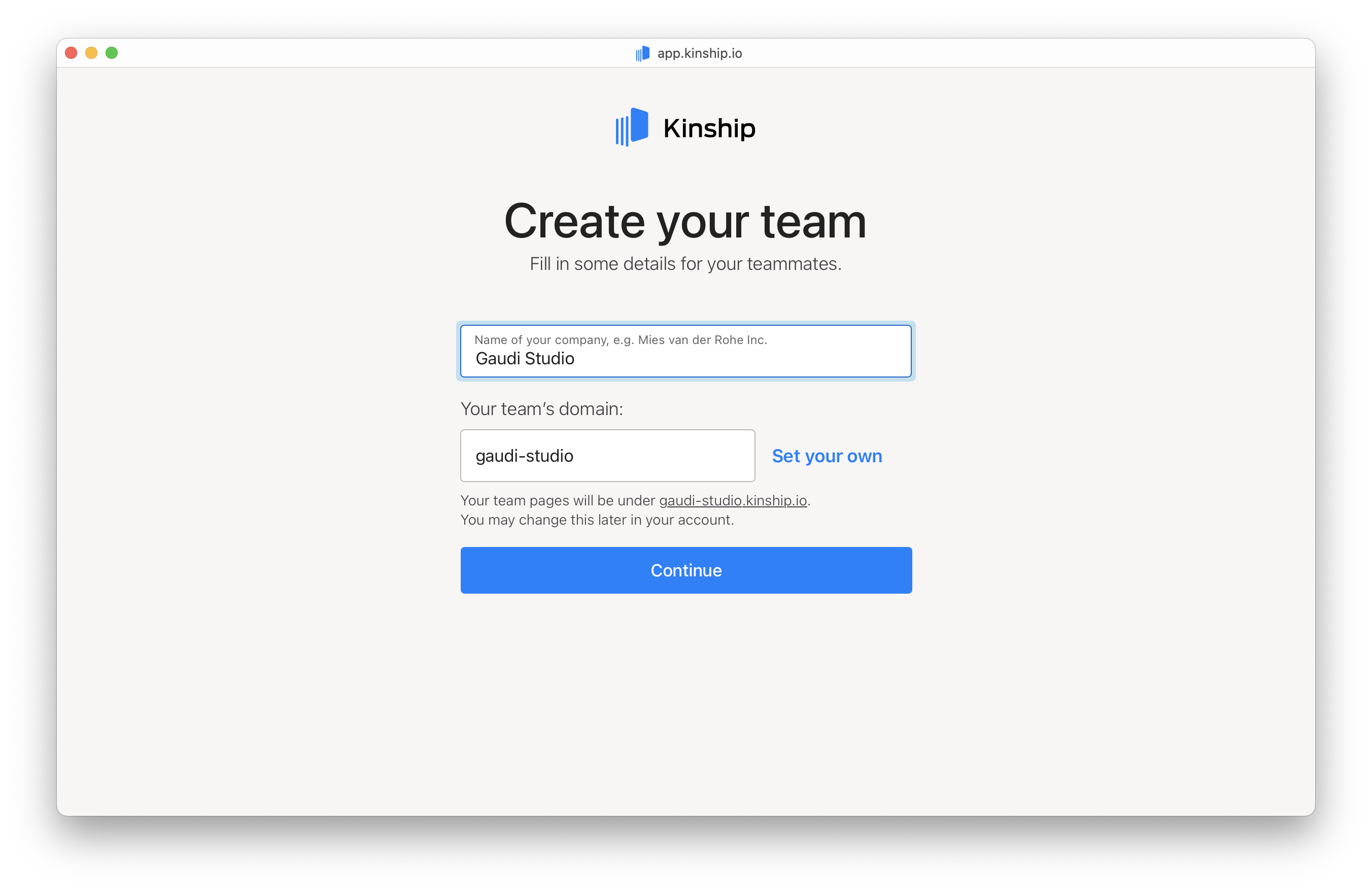
 ### 6. Set up your team's domain
Enter your company's name to create your team’s domain.
* If your company is "Gaudi Studio," your domain will default to
### 6. Set up your team's domain
Enter your company's name to create your team’s domain.
* If your company is "Gaudi Studio," your domain will default to gaudi‑studio.kinship.io.
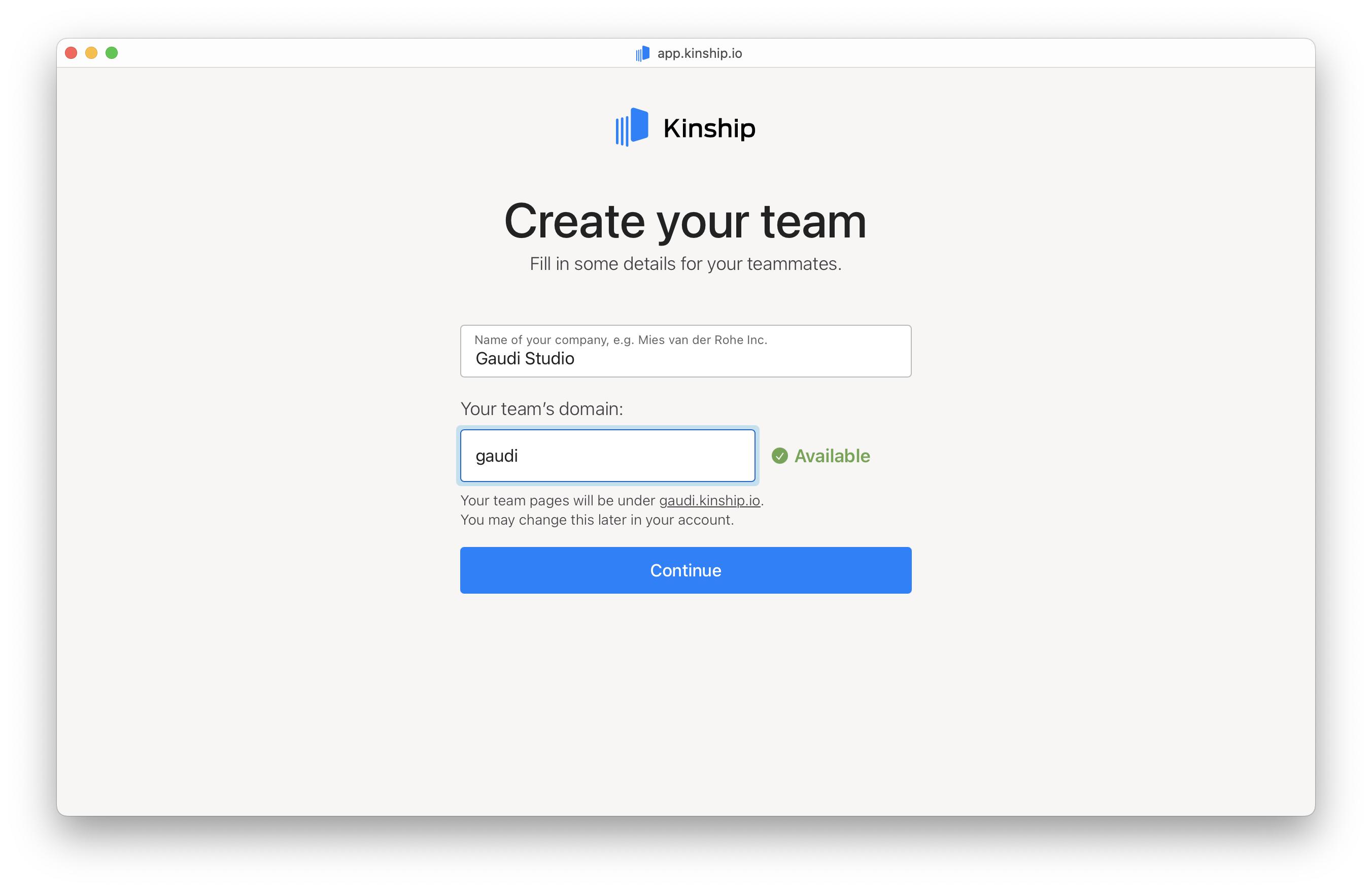
 * Want something custom? Click **Set your own**, type in your preferred domain, and check availability.
 * Click **Continue** when ready.
### 7. Invite your teammates
Invite your colleagues to join your team:
* Type individual email addresses into the fields.
* Click **Continue** when ready.
### 7. Invite your teammates
Invite your colleagues to join your team:
* Type individual email addresses into the fields.
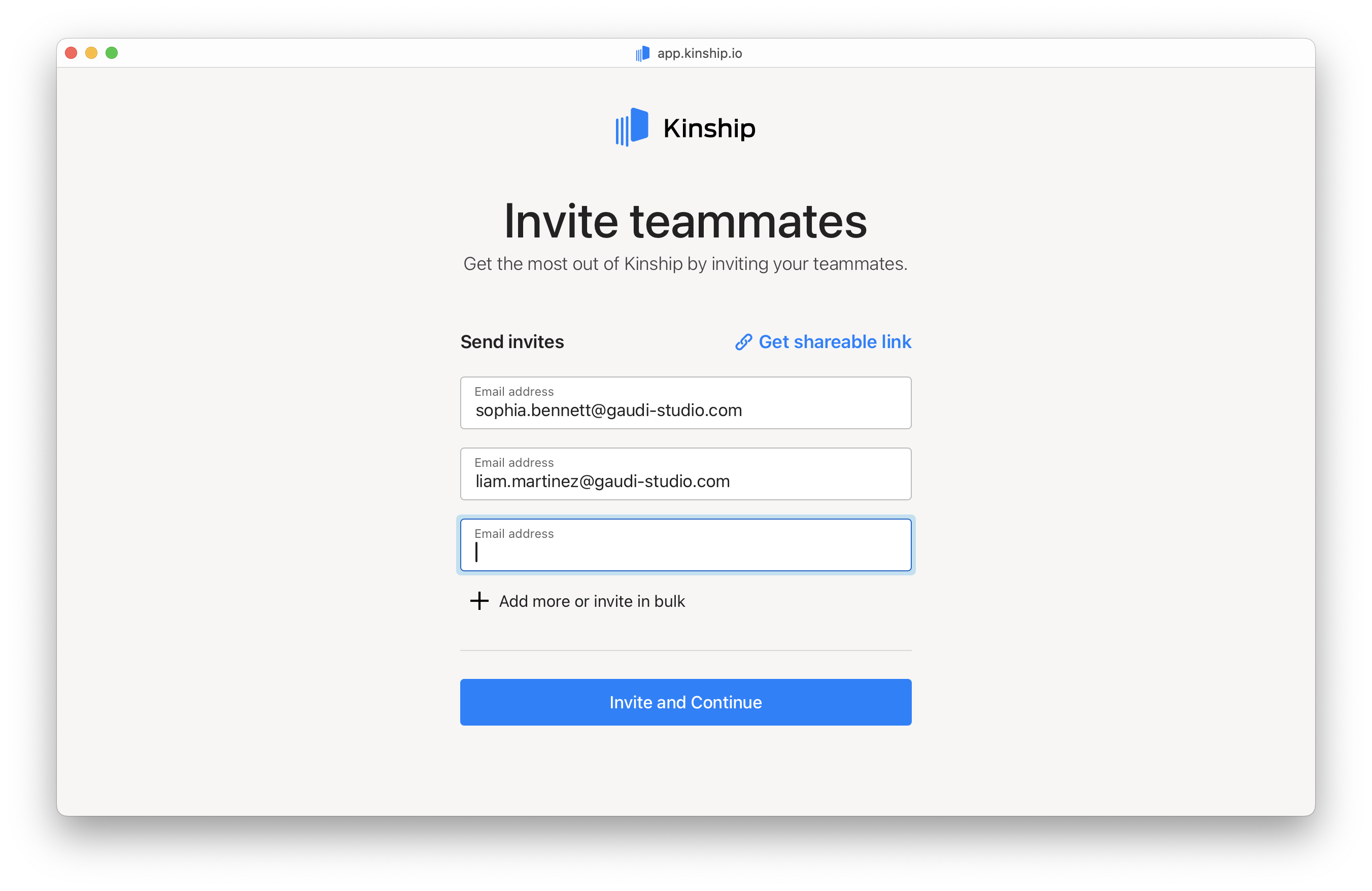 * Or paste multiple email addresses separated by commas or new lines to invite in bulk.
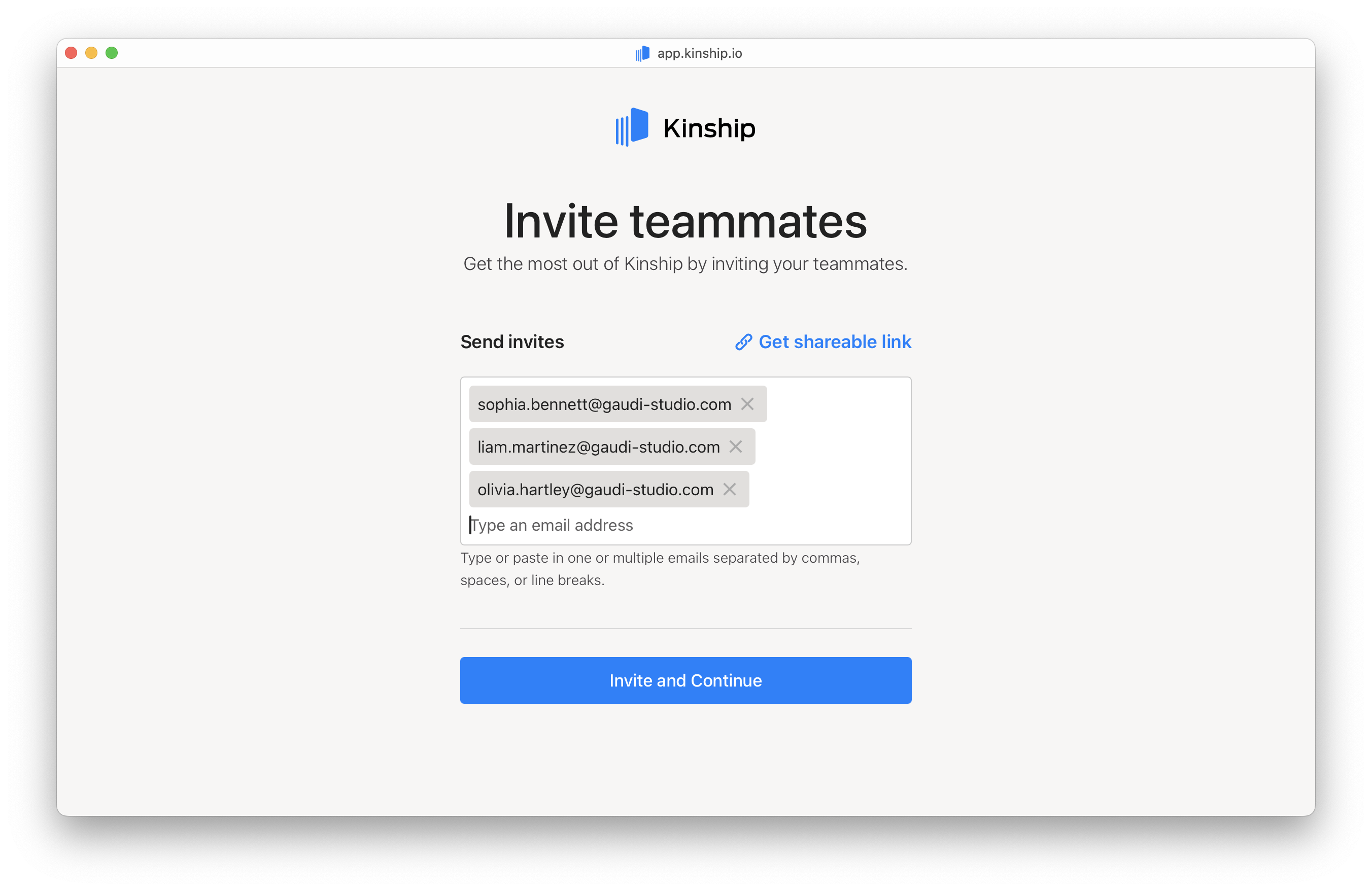 * You can also generate a shareable invitation link.
* Click **Continue** once you've invited your teammates.
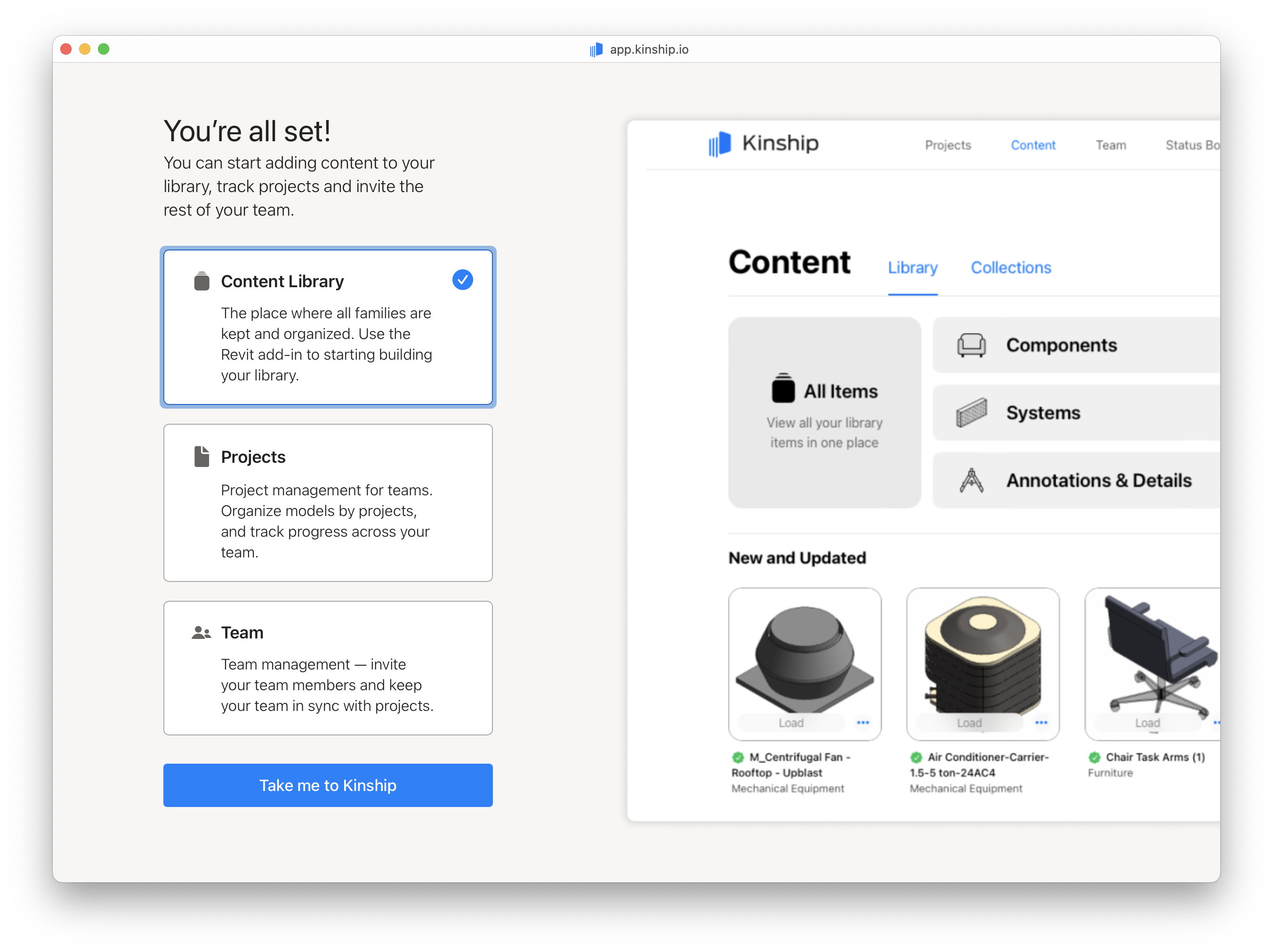
### You're all set!
Click **Take me to Kinship** to sign in and start collaborating with your team right away.
* You can also generate a shareable invitation link.
* Click **Continue** once you've invited your teammates.
### You're all set!
Click **Take me to Kinship** to sign in and start collaborating with your team right away.